Online Analysis
Personal Color Analysis Online Free: 7 Questions & 1 Photo
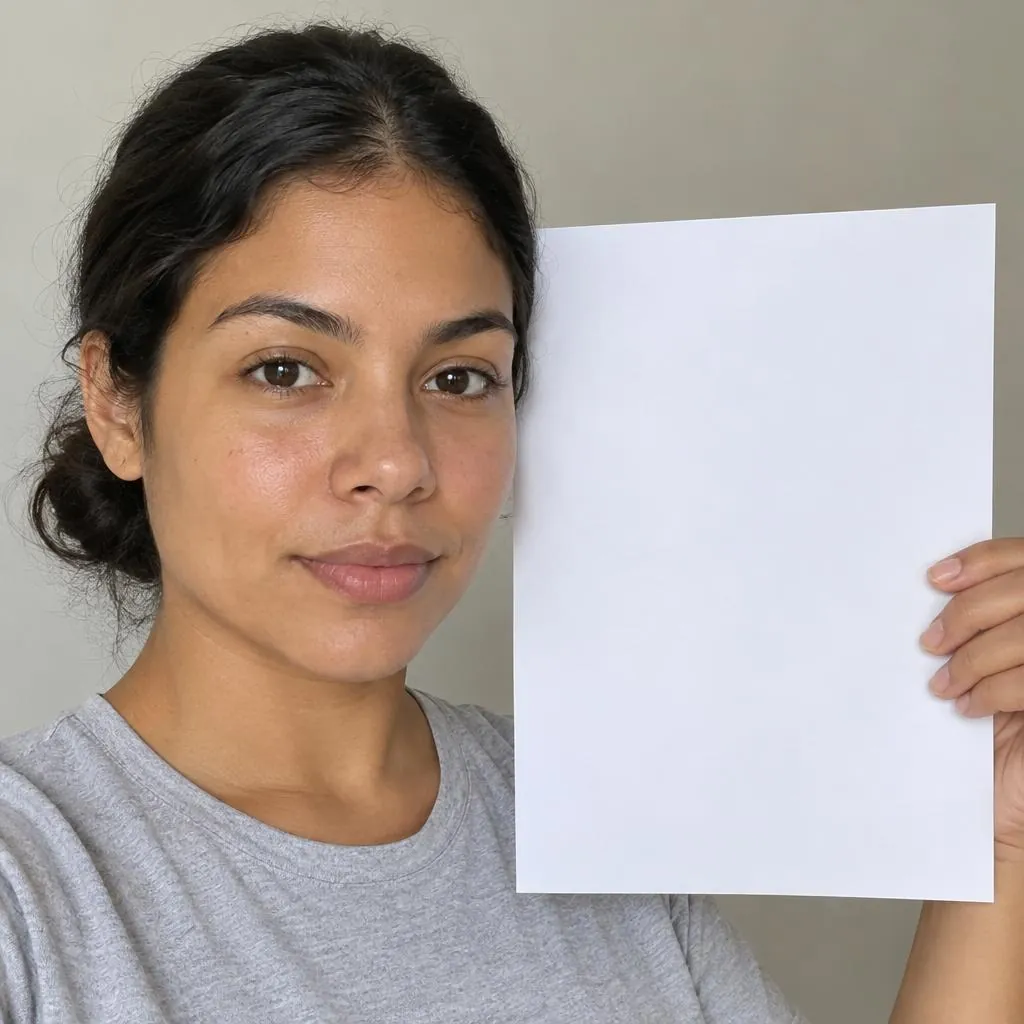
You can run a calibrated personal color analysis online free right from your phone in about three minutes. GlowMap pairs 7 targeted questions with 1 bare-faced photo taken next to a plain sheet of white paper to classify your coloring into one of the 12 seasons. Your photo is measured directly on your device and never leaves your phone, and discovering your season is free—with an optional full color report available as a one-time payment via Stripe, with no subscription.
Updated 2026-11-26 · GlowMap Editorial Team
Quick answer
- How it works: 7 quick questions about your natural features plus 1 daylight photo holding a plain white sheet of paper beside your face.
- Why white paper + screen flash: The white paper undoes ambient light color casts, while a brief screen flash measures your skin under a controlled light source.
- Private by architecture: Your photo is measured on-device and never leaves your phone—only numeric color readings and your quiz answers are sent.
- Transparent pricing: Discovering your season is free; the full color report (depth, undertone, contrast, confidence score, sister season, hex palette, and styling guide) is a one-time payment via Stripe, with no subscription.
- Honest accuracy: Strong on depth, contrast, and overall family; gives depth range and undertone rather than an exact foundation shade number.
How GlowMap's free online analysis works step by step
Most free quizzes rely exclusively on self-reported questions, while most photo apps analyze an uncalibrated selfie warped by indoor bulbs and automatic beauty filters. A reliable personal color analysis online free tool combines both sources—what you know about your natural coloring and what the camera can objectively measure once light is corrected.
- 1
Set up facing natural window light
Stand facing a window with indirect daylight (avoid harsh direct sunbeams) and turn off indoor lamps. Remove makeup and glasses, and pull dyed hair back so your face is unobstructed.
- 2
Answer 7 structured questions
You answer classic indicators: bare skin depth, inner wrist veins, flattering jewelry metal (explained in our gold vs. silver test), pure white vs. cream, sun reaction, natural hair color at the roots, and eye color.
- 3
Take 1 photo with a white sheet of paper
Center your face inside the on-screen oval and hold a plain white sheet of paper inside the side rectangle facing the camera. Live hints let you know if one side is shadowed, too bright, or tinted by warm indoor bulbs.
- 4
Hold steady during the 2-second screen flash
Right after the capture, your screen flashes briefly between black and white. Holding steady lets the app isolate light reflected purely from your phone screen.
- 5
Get your season free immediately
Your phone converts forehead, cheek, and paper samples into numeric color values locally—your photo never leaves your phone. The classifier maps your three dimensions to the closest of the 12 seasons.
If your camera is unavailable or you prefer not to take a photo, you can still complete the quiz alone, though confidence will naturally be lower without calibrated skin measurement. Ready to try it? Start your free online analysis whenever you are near a window.
Why white-paper calibration and screen flash matter
Ambient lighting is the single biggest reason online color tests contradict each other. A warm bedroom lamp shifts cool skin into golden territory; cool office LEDs drain warmth from golden skin; and every smartphone automatically adjusts white balance and skin smoothing without asking.
Holding a plain white sheet of paper beside your cheek solves the first half of the problem. Because neutral white paper should have balanced red, green, and blue channels, any yellow or blue cast appearing on the paper in your photo reveals the exact bias of the room lighting and camera. Measuring your skin relative to the paper cancels out that cast—the same principle photographers use with a white balance card.
The brief screen flash adds a second layer of calibration. By capturing frames with the screen dark and then bright white, the app subtracts the ambient room light that stayed constant across both frames, isolating how your skin reflects a known white light source compared to the white paper. If the room is too bright for the screen flash to register or if you move mid-capture, the app simply discards the flash sample and flags a clear notice instead of guessing.
What you get free vs. in the full color report
We keep pricing straightforward with zero recurring charges: discovering your season is free; the full color report is a one-time payment via Stripe, with no subscription.
| Feature | Free analysis | Full color report (one-time payment) |
|---|---|---|
| Your color season (1 of 12) | Included free | Included |
| On-device white-paper + screen-flash calibration | Included free | Included |
| Measured depth, undertone, and contrast breakdown | Summary season only | Full 3-axis profile (Light/Medium/Deep, Warm/Cool/Neutral, Low/Medium/High) |
| Confidence score & closest sister season | — | Included with sister-season explanation |
| Complete 10-shade hex palette & 4 shades to avoid | — | Included, saveable and shareable link |
| Makeup, hair, outfit, metal & foundation undertone guidance | — | Full tailored guide across every category |
To see what a seasonal palette and avoid strip look like, here is the real color pair for Deep Autumn—one of our 12 palettes—showing its ten core shades and four shades that tend to dull warm deep coloring:
Chocolate
Deep Brick
Dark Olive
Deep Gold
Sienna
Deep Teal
Warm Wine
Copper
Espresso
Warm Cream
Pastel Pink
Lavender
Powder Blue
Silver
You can also explore makeup principles across every season in our color analysis makeup hub before deciding whether to unlock the complete report.
What online color analysis gets right—and where it struggles
Being honest about accuracy builds far better results than promising 100% perfection from a phone camera. Calibrated online analysis excels at measurable dimensions and clearly flags borderline calls:
Where calibrated online analysis is strong
- Measuring overall depth (light, medium, or deep)
- Evaluating high contrast vs. low contrast between skin, hair, and eyes
- Identifying clear warm or cool temperature leanings
- Narrowing down your parent family (Spring, Summer, Autumn, or Winter)
Where it is naturally harder
- Subtle olive or truly neutral undertones right on the warm/cool border
- Splitting two closely matched sister seasons without live fabric draping
- Photos taken under mixed warm/cool lamps, harsh sun, or beauty filters
- Quiz answers based on dyed hair instead of natural root color
Notice how the system handles nuance: olive undertones—discussed in detail in color analysis for olive skin—appear in the classifier as neutral or whichever temperature side they lean toward, and our color analysis for dark skin guide explains why calibrated lighting matters even more on deep complexions. Every season exists across all skin depths.
On base makeup, we draw a strict honesty line: GlowMap gives you your depth range and undertone rather than an exact foundation shade number. No camera can predict how a specific formula will oxidize on your skin; use our guide on how to find foundation undertone to finish with a daylight jawline swatch.
How to get the most accurate photo on your first try
Good input makes a dramatic difference in your confidence score. Follow this quick checklist before tapping capture:
- Face the window straight on: Side lighting leaves one cheek in shadow and lowers calibration reliability.
- Turn off every indoor light: Mixing warm ceiling bulbs with cool window daylight confuses both human eyes and cameras.
- Bare skin, zero filters: Wash off foundation, tinted sunscreen, and blush, and make sure any phone beauty filter is switched off.
- Turn screen brightness up: Bright screen output gives the 2-second flash a clean signal.
- Use plain white printer paper: Avoid cream stationery, glossy envelopes, or lined pages, and keep the sheet flat inside the guide rectangle.
- Answer for natural hair roots: Even if your hair is currently bleached, dyed copper, or glossed black, answer the hair question for your natural root color.
If the app detects an issue—like an overexposed sheet of paper, strong color cast, side shadow, or movement during the flash—it tells you immediately so you can retake in seconds. Retaking is always free, and getting the same season twice in clean window light is a strong confirmation signal—whether you land in Cool Winter or Warm Spring.
Frequently asked questions
Is the online personal color analysis really free?
Yes—discovering your season is free, with no account or credit card required. If you want the complete breakdown with depth, undertone, contrast, sister season, 10-color hex palette, avoid shades, and styling guide, the full color report is a one-time payment via Stripe, with no subscription.
What happens to my photo when I run the analysis?
Nothing is uploaded. Your photo is measured directly on your device inside your browser to read numeric color values from your skin and the white sheet of paper, and the photo never leaves your phone.
Why do I need a sheet of white paper?
Phone cameras automatically shift white balance depending on room lighting. The white paper gives the algorithm a true neutral reference right next to your face so it can mathematically remove yellow or blue lighting casts before reading your undertone.
Can I take the analysis if I have dyed hair or wear glasses?
Yes. Remove your glasses for the photo so frames do not cast shadows, pull dyed hair back away from your face, and answer the hair color question using your natural undyed root color.
Will the free online analysis tell me my exact foundation shade?
No—and you should be cautious of any photo app that claims it can. GlowMap gives your depth range and undertone rather than an exact foundation shade number. Always swatch two or three shades along your jawline in natural daylight.
What if my confidence score comes back medium or low?
A medium or low confidence score usually means either your lighting had a strong cast or you sit close to the border between two sister seasons. Retake the photo facing a window with indoor lamps off, and compare your primary season with its listed sister season in daylight.
Read next
 Personal Color AnalysisWhat personal color analysis is, the 3 color dimensions, the 12 seasons, and how to find your palette accurately.
 Online vs In-Person AnalysisAn honest comparison of accuracy, lighting control, privacy, and convenience: online color analysis vs studio draping.
 Colorwise AlternativeAn objective comparison of lighting calibration, on-device photo privacy, and one-time reports vs subscriptions.
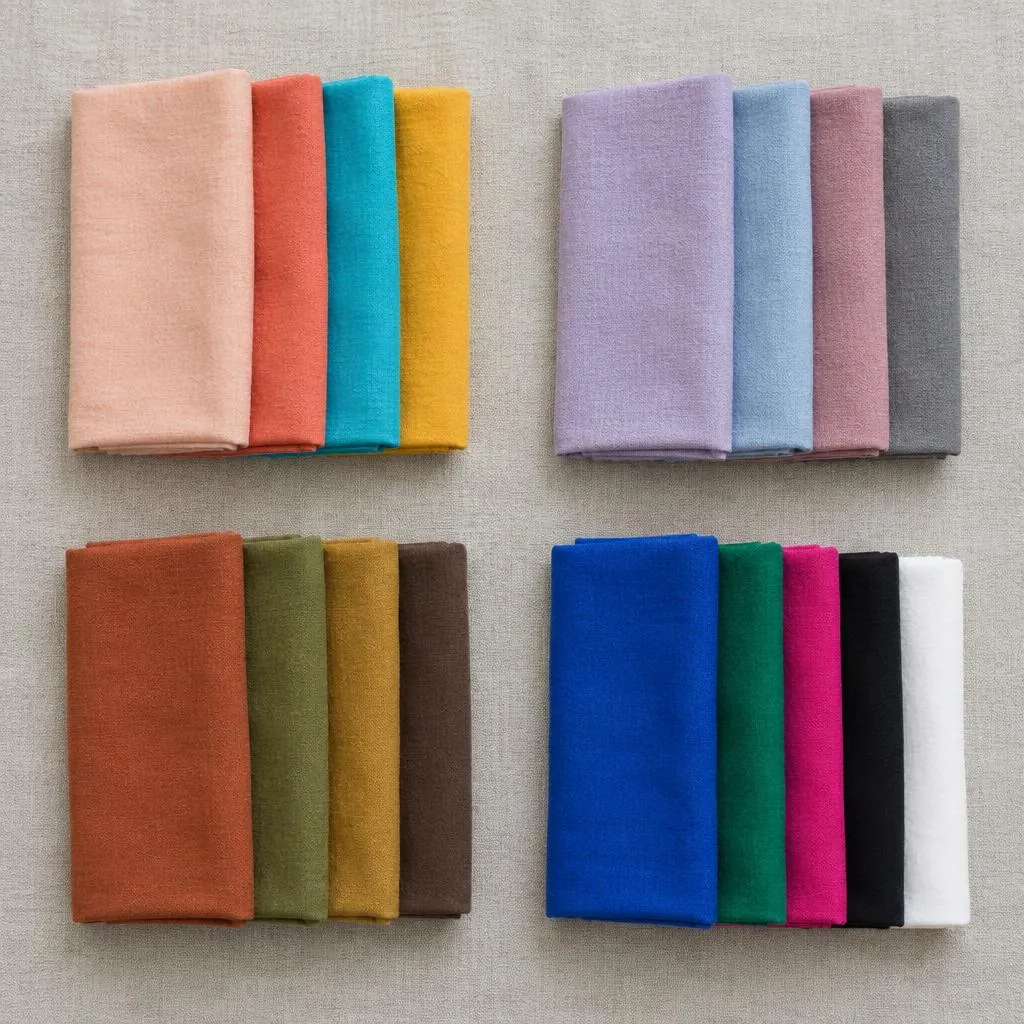 The 12 Color SeasonsAll 12 color seasons in one place: comparison table, real hex palettes, sister seasons, and how to find yours.
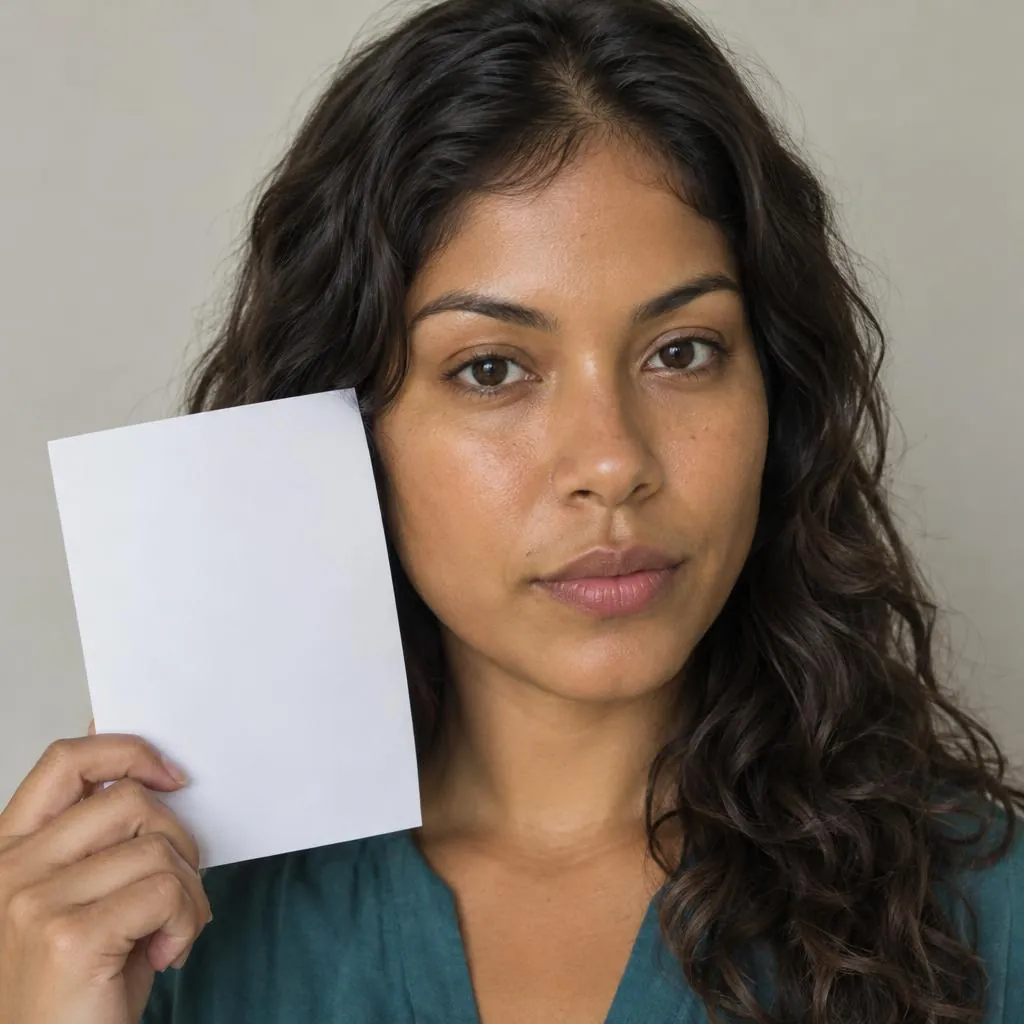 Skin Undertone TestWarm, cool, neutral, or olive: how to run a reliable skin undertone test in natural daylight and read the results.
Start your free personal color analysis now.
Season, undertone, contrast, palette, and makeup guide in 3 minutes.
Start my free analysis