Personal Color Analysis
Online Color Analysis vs In Person Draping: Honest Accuracy Comparison
Choosing between online color analysis vs in person draping comes down to one technical variable: how reliably each method controls ambient lighting and isolates your true undertone. In-person draping with physical fabric swatches under studio daylight remains the gold standard for tricky edge cases, while lighting-calibrated online analysis gets most people to an accurate 12-season answer in minutes from home.
Updated 2026-11-26 · GlowMap Editorial Team
Quick answer
- In-person draping lets a trained analyst observe live micro-reactions—under-eye shadows, jawline lift, and skin clarity—under balanced daylight studio lighting.
- Uncalibrated online quizzes and random selfie uploads have low repeatability because household lights and camera auto white balance distort skin hue.
- Calibrated online analysis (using white paper + screen flash) closes much of the accuracy gap by measuring and neutralizing ambient light before classifying your season.
- Every season exists across all skin depths; whichever path you choose, confirm the method does not stereotype dark skin into Winter or olive skin into Autumn.
- GlowMap processes your photo locally on your device so it never leaves your browser—discovering your season is free, and the full report is a one-time Stripe payment with no subscription.
Why Not All Online Color Analysis Is Equal
When people debate personal color analysis online versus in a studio, they often lump three completely different online formats into one bucket—which makes the comparison misleading:
- Text-only quizzes: Fast and fun, but purely subjective. Asking someone to guess whether their wrist veins look green or blue—or whether they prefer gold over silver—often reflects personal taste more than skin pigment.
- Uncalibrated selfie apps and remote photo reviews: Better than guessing from text, yet still vulnerable to smartphone auto white balance, yellow indoor bulbs, colored bedroom walls, and lens exposure shifts.
- Lighting-calibrated browser analysis (like GlowMap): Measures a plain white sheet of paper held beside your face plus a brief screen flash in indirect window light, removing ambient color casts mathematically before combining the reading with structured questions about hair, eyes, and contrast.
Comparing a text-only quiz to an experienced in-person consultant is an unfair contest. Comparing a lighting-calibrated online analysis to in-person fabric draping is where the real, practical trade-offs live.
Online Color Analysis vs. In-Person Draping: Side-by-Side
Both approaches map you into the same 12 color seasons—Spring, Summer, Autumn, and Winter families—using temperature, depth, and contrast. Here is how they compare across the factors that actually affect your outcome.
| Factor | Calibrated online analysis (GlowMap) | In-person studio draping |
|---|---|---|
| Lighting control | Uses natural window daylight + plain white paper neutral reference + screen flash calibration. | Controlled daylight-balanced studio lamps (typically ~5500K, high CRI) with neutral gray draping. |
| What is evaluated | Calibrated skin hue, depth, and contrast combined with 7 deterministic questions. | Live physical reflection of fabric drapes on skin clarity, shadows, jawline definition, and eye brightness. |
| Time required | About 3 minutes at home in any mobile or desktop browser. | Scheduling in advance plus 60–120 minutes in studio and travel time. |
| Privacy | Photo stays on your device (processed locally in browser; never uploaded to a server). | Face-to-face session with no permanent photo required unless you request before/after pictures. |
| Borderline edge cases | Strong accuracy when window light is even; flags low-confidence lighting transparently so you can retake. | Best for complex borderline cases (subtle neutral olives, sister seasons like Soft Summer vs. Soft Autumn). |
| Access & commitment | Discovering your season is free; full report is an optional one-time payment via Stripe with no subscription. | Typically a higher upfront studio fee and depends on finding a qualified, well-trained analyst locally. |
Where In-Person Draping Still Has a Real Advantage
No digital tool should pretend to replace every nuance of a great live consultation. Sitting in front of a daylight-balanced mirror while an experienced analyst flips physical fabrics under your chin offers three genuine strengths:
- Seeing live optical reflection with your own eyes: Watching a muted terracotta cloth soften under-eye shadows—and a stark icy pink cloth suddenly bring them back—builds instant conviction that makes shopping easier.
- Separating close sister seasons: If you sit right on the boundary between Soft Summer and Soft Autumn, or between Deep Autumn and Deep Winter, physical drapes side by side can reveal subtle texture and sheen reactions cameras occasionally flatten.
- Hands-on wardrobe and makeup coaching: Many in-person stylists let you bring five items from your closet or your everyday lipsticks and foundation to test directly under studio lights.
Where Calibrated Online Analysis Wins
For the vast majority of people—especially anyone exploring color analysis for the first time, shopping for a capsule wardrobe, or checking color analysis for men—a lighting-calibrated online analysis offers clear advantages:
Strengths of calibrated online analysis
- Zero scheduling friction: test at home in 3 minutes facing your brightest window.
- Repeatable math: white-paper neutral anchoring and screen flash remove subjective human mood or personal color bias.
- Complete browser privacy: your photo stays on your device and is never uploaded to cloud servers.
- Risk-free starting point: finding your season is free, and unlocking the full palette and makeup report is a single one-time Stripe payment with no subscription.
Limitations to keep in mind
- Requires following lighting prep carefully (indirect window daylight, indoor lamps off, bare skin, plain white paper).
- Cannot physically hold fabric textures (matte wool vs. shiny satin) under your chin in real time.
- Borderline olive undertones may still benefit from testing two sister-season fabrics at home in daylight afterward.
How to Get Studio-Level Reliability When Testing Online
Most disappointment with online color analysis comes from rushed photo conditions rather than the method itself. Treating your three-minute home check like a mini studio session makes a dramatic difference—especially on subtle dark skin undertones and neutral complexions.
- 1
Face indirect window daylight between 10 a.m. and 3 p.m.
Switch off all ceiling lamps, vanity bulbs, and colored LEDs. Stand directly facing the window so both cheeks receive equal light without side shadows.
- 2
Remove makeup and pull dyed hair back
Foundation, tinted sunscreen, bronzer, and bright lip stains alter skin readings. If your hair is dyed far from your natural roots, wrap it neatly in a neutral cloth.
- 3
Use a truly plain white sheet of paper
Standard bright white printer paper held smoothly inside the guide rectangle gives GlowMap an accurate neutral anchor alongside the screen flash.
- 4
Validate your season with real clothes at home
Once you get your result from our free analysis—say, Cool Winter or Deep Autumn—hold two colors from your palette and two from your avoid list under your chin in window light, and cross-check your gold vs silver test and foundation undertone to verify with your own eyes.
A Smart Two-Step Path: Start Online, Upgrade Only If You Need To
You do not have to treat online and in-person analysis as mutually exclusive. Starting with a calibrated online analysis gives you an immediate, objective baseline across all three dimensions—undertone, depth, and contrast—so you can test your palette in everyday outfits and makeup right away.
For most people, that baseline immediately solves the hardest wardrobe and makeup decisions: picking the right white, dark neutral, jewelry metal, and foundation undertone. And if you ever decide to book an in-person draping later—for instance, ahead of a wedding or a major career wardrobe rebuild—you will walk into the studio already fluent in the 12-season language and ready to ask sharper questions. Remember, every season exists across all skin depths, so the right answer should always harmonize with your real face in daylight rather than fitting a stereotype.
Frequently asked questions
Is online color analysis accurate?
Accuracy depends heavily on lighting calibration. Text-only quizzes and uncalibrated selfies often misfire because indoor bulbs and camera auto white balance distort skin hue. Calibrated online analysis—using a white sheet of paper, a screen flash, indirect window light, and structured hair/eye questions—produces reliable, repeatable results for most people.
When is in-person color analysis worth booking?
In-person draping is most worthwhile if you sit squarely on a tricky sister-season border (such as Soft Summer vs. Soft Autumn), have complex neutral-olive undertones you want to see under physical fabrics, or want hands-on help auditing your existing closet and makeup bag.
Why does GlowMap use both a white sheet of paper and a screen flash?
The white paper acts as a known neutral anchor in your exact room light so warm or cool ambient casts can be mathematically removed, while the brief screen flash checks even light reflection across your face. Together they solve the main weakness of ordinary selfie tools.
Can an online tool tell my season accurately if I have dark skin or olive skin?
Yes, provided the tool calibrates ambient lighting and evaluates undertone, depth, and contrast independently. Every season exists across all skin depths, and white-paper calibration prevents cameras from washing out deep skin or pushing olive skin artificially orange.
What happens to my photo when I use GlowMap?
Your photo stays on your device. All image analysis happens locally inside your browser—nothing is uploaded to a server or stored in the cloud.
Do I have to pay for a subscription to see my online color analysis?
No. Discovering your color season on GlowMap is free. If you want the complete detailed report with full swatch palettes, wardrobe formulas, and makeup direction, it is a single one-time payment via Stripe with no recurring subscription.
Read next
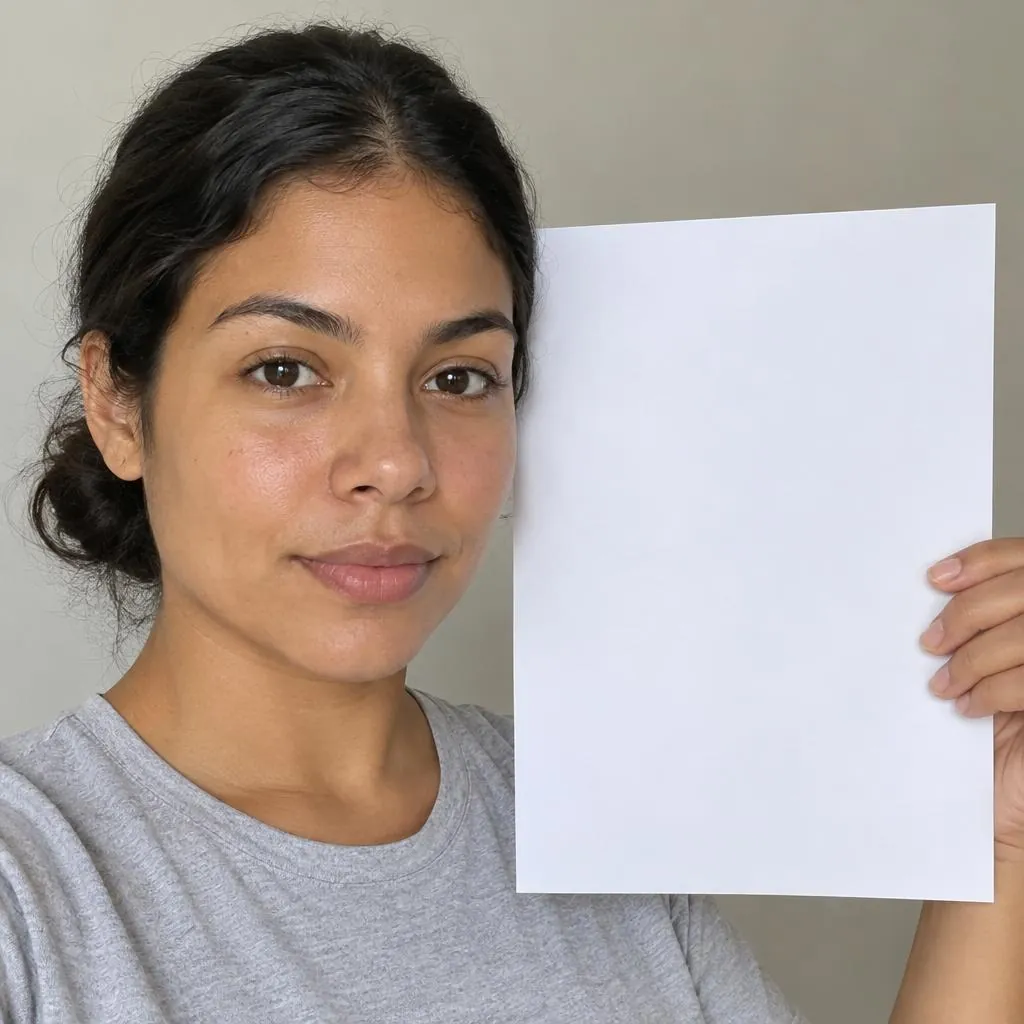 Free Online Color AnalysisHow white-paper calibration and screen-flash measurement find your color season free on your phone in 3 minutes.
 Colorwise AlternativeAn objective comparison of lighting calibration, on-device photo privacy, and one-time reports vs subscriptions.
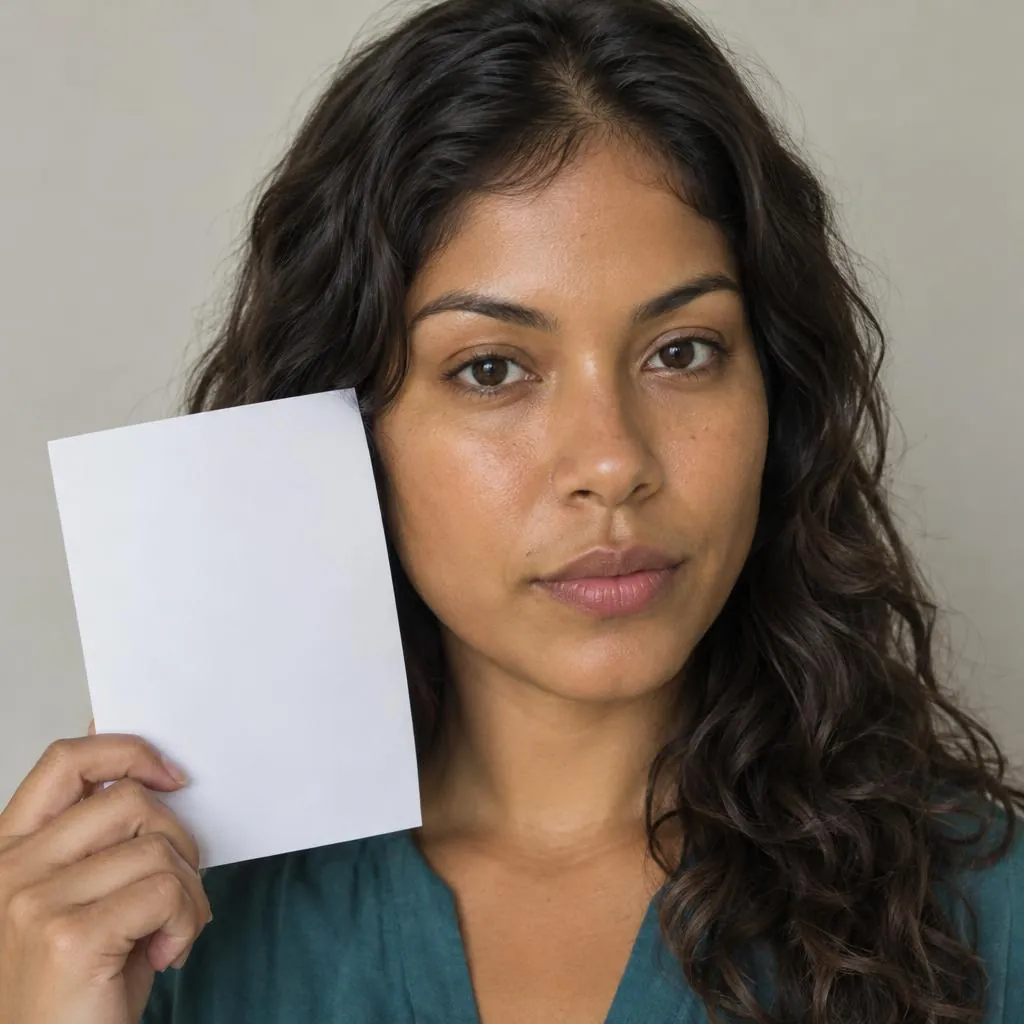 Skin Undertone TestWarm, cool, neutral, or olive: how to run a reliable skin undertone test in natural daylight and read the results.
 High vs Low ContrastHow to measure the lightness gap between your skin, hair, and eyes to choose balanced outfits, prints, and makeup.
 Personal Color AnalysisWhat personal color analysis is, the 3 color dimensions, the 12 seasons, and how to find your palette accurately.
Find your color season. It's free.
Season, undertone, contrast, palette, and makeup guide in 3 minutes.
Start my free analysis